The scope of an AI support assistant is more than the number of questions it can answer. Its knowledge sources, stopping rules and human handoff all shape the customer experience.
Start with common questions and enquiry preparation, then assess which parts are suitable for automation. This checklist can guide a website or messaging-channel support pilot.
1. Give the assistant maintainable knowledge
Collect approved answers, service descriptions, opening hours and contact details. Assign an owner to keep each area current. If prices, promotions or arrangements have an effective date, include it in the source material.
When documents disagree, have the team decide which source is authoritative. An assistant should not be expected to resolve conflicting company policies on its own.
- Record the source and the last review date
- Remove expired prices, promotions and arrangements from active knowledge
- Define how to respond when information is unavailable
2. Separate information from account actions and commitments
An approved knowledge source can support answers about services or opening hours. Orders, payments and individual accounts require additional identity, permission and integration design. General guidance should not be presented as a customer's actual account status.
Refunds, exceptional discounts, contractual arrangements and delivery promises should follow the company's approval process. A first version can collect the question and prepare the relevant information for an authorised colleague.
| Enquiry type | Possible approach |
|---|---|
| General services and hours | Use approved knowledge |
| Personal records | Design identity and permission checks first |
| Complaints or exceptions | Prepare the context and route it to an owner |
| Insufficient information | State the uncertainty and offer human contact |
3. Make the human handoff useful
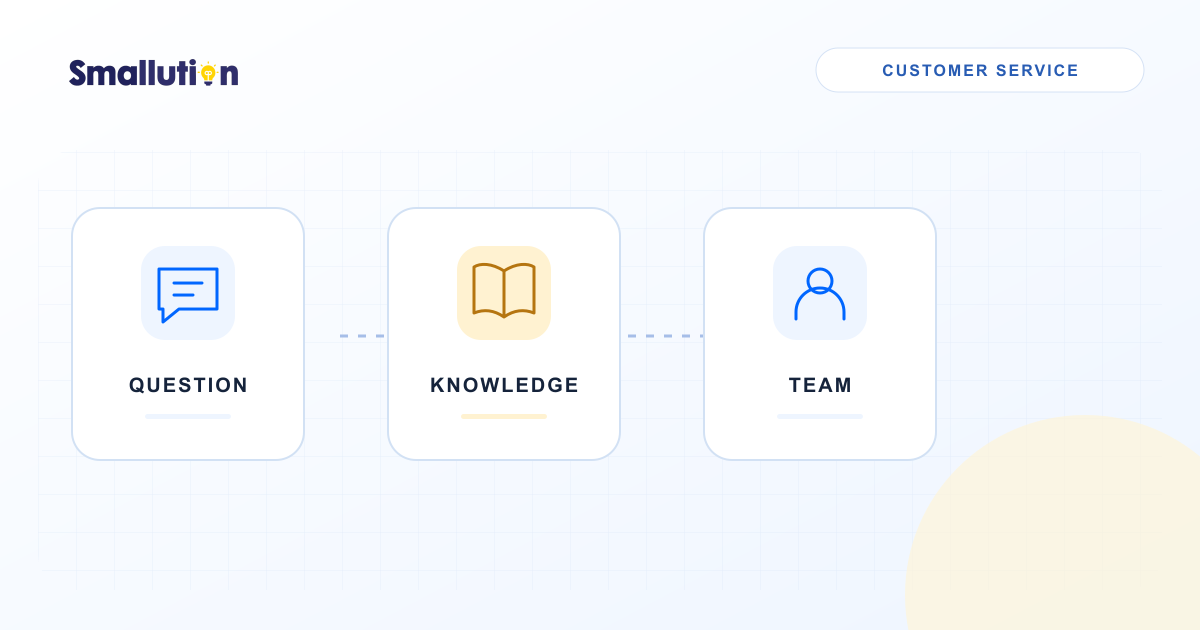
A handoff should do more than display a request to contact the team. Decide who receives it, through which channel, what happens outside working hours and what the customer is told next.
The receiving colleague should have a summary, the questions already asked, relevant sources and unresolved points. Keep the original conversation available for checking. Pass only what is needed for the enquiry and manage access according to your company's arrangements.
- Offer a handoff when the customer asks for a person
- Stop guessing when there is no reliable answer or the issue remains unresolved
- Explain the follow-up channel and whether the team is currently available
4. Test question types, with sensitive details removed
Do not test only straightforward FAQs. Include ambiguous wording, mixed languages, spelling errors, outdated information and situations that require a person. Check whether the assistant recognises when it should stop.
Test the operational handoff as well as the reply: does the notification reach the right person, can they find the original conversation, and can a customer still reach the business if the system fails?
- Is the answer supported by a current source?
- Does the assistant acknowledge when it cannot confirm something?
- Does the handoff reach the correct owner?
- Can the customer continue towards their original goal?
5. Learn from unresolved questions
Review unanswered and frequently escalated questions rather than relying on conversation totals alone. These cases may point to unclear website content, a gap in the service process or knowledge that needs updating.
Begin with a limited channel or service window and assign an owner to review the pilot. Revisit identity checks, permissions and handoffs before adding personal-record lookup or record-changing actions.